

How to Compare Historical Data
KeywordsLearn how to compare archived ranking data and see how your rankings have changed over time
AccuRanker stores historical ranking data so you can compare your current rankings with rankings from an earlier date.
You can use historical comparisons to see changes in your Keywords list and on your domain dashboard.
How to Compare Historical Data
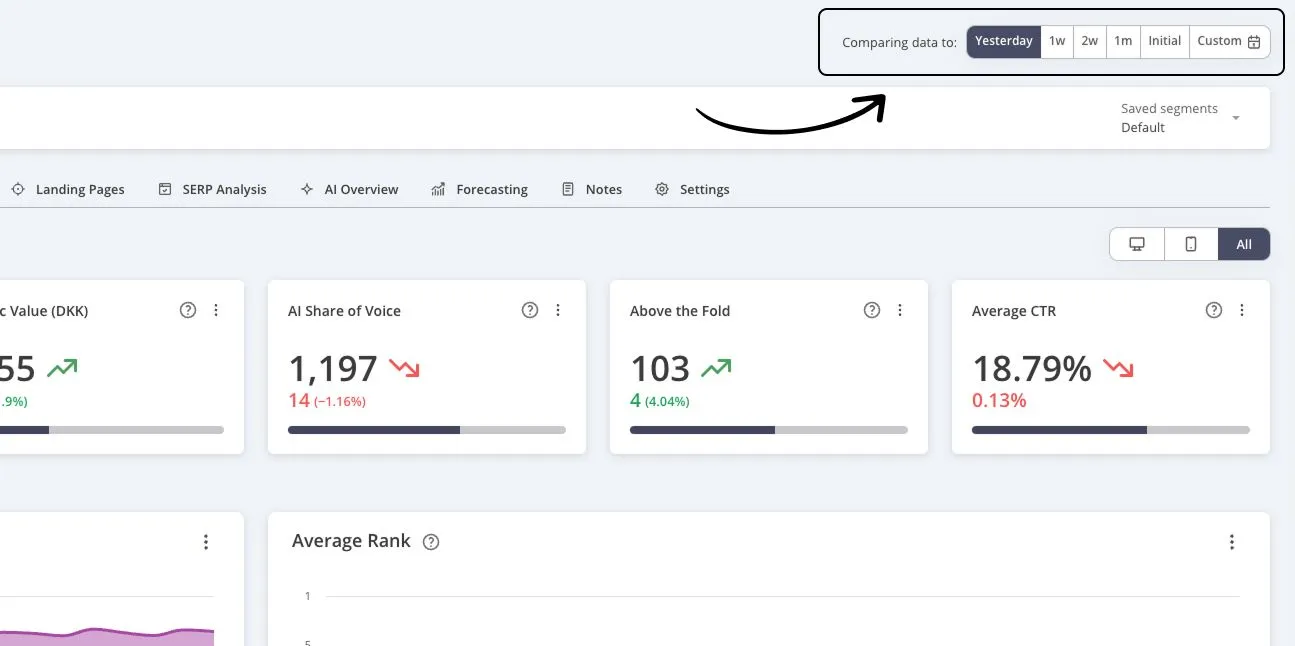
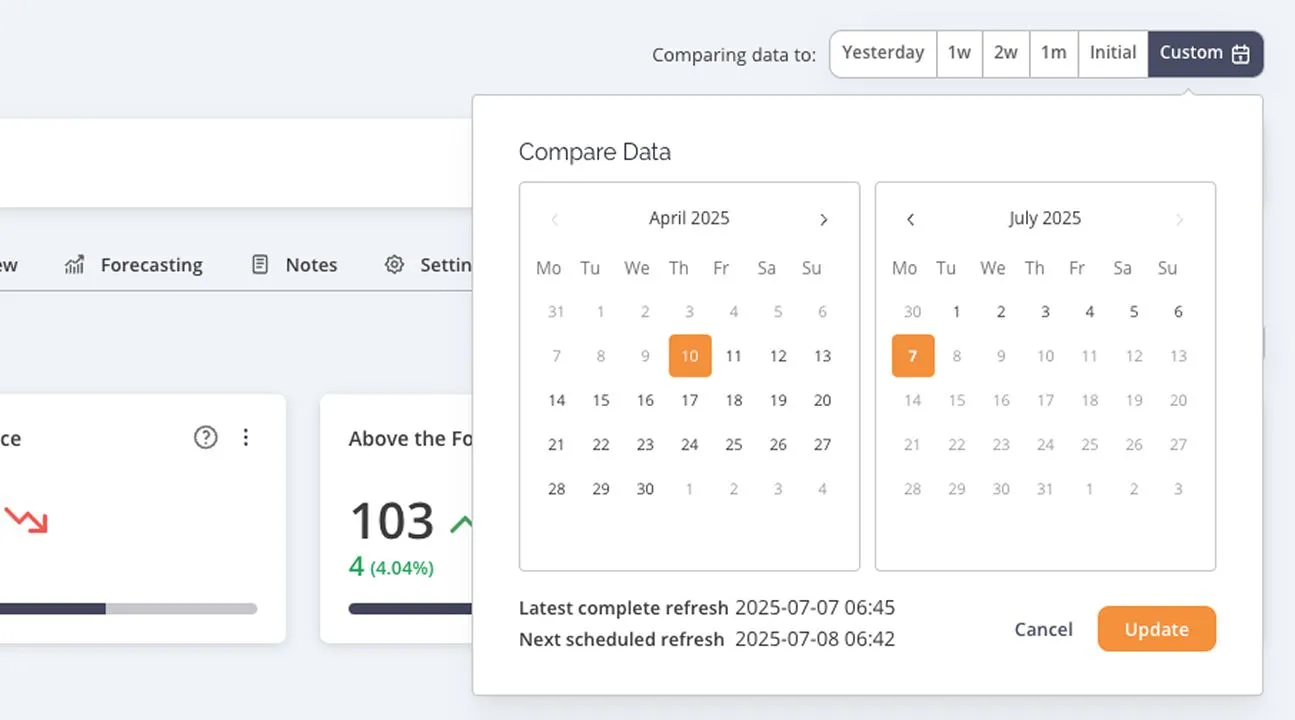
Look for Comparing data to in the upper-right corner of AccuRanker.
Select the date you want to compare with your current data. AccuRanker will then show the changes between the selected comparison dates in the relevant ranking data.
Related help guides
How to Import Keywords and Historical Data via CSV
How to Set Up and Use Notifications
How to Add Notes
Still need help?
Customer support
Our live support team is ready to assist you with any issues.