

Spending Hours Gathering SEO Data? Here Is How to Fix It

Sille Christensen
August 20, 2026
AccuRanker MCP is your shortcut to faster SEO analysis. It eliminates the time you spend gathering data, so you can focus on actual SEO work.
There are two types of SEO work. The first kind is the actual SEO work — improving content, identifying gaps, and deciding where to focus. The second kind is everything you have to do before you can get to the first kind. Pulling data, switching tabs, building the same weekly summary you built last week and the week before that.
The time it takes to find your data adds up fast. Suddenly, a big chunk of your workday is gone before you start optimizing your SEO. That is why AccuRanker MCP exists — to give you back the hours you spend on data collection and spend them on doing SEO instead. Let us explore how.
Why Gathering Data Eats So Much Time
Sometimes, answering an SEO question feels like being handed a scavenger hunt. You have all the data you need to answer the question, but it is buried. Buried in a keyword list with hundreds of rows, in ranking history that goes back months, and in a jumble of competitor movements. Getting from “I have all this data” to “I know what is going on” is the part that takes hours. That is a lot of digging just to get to the treasure.
Every time you need a complete picture, you have to fetch the data manually. Pull from here, pull from there, line everything up in a spreadsheet, and analyze the pattern. That process is not built for scale. The more clients or brands you have, the more sites you manage, and the more keywords you track. Ultimately, it takes time away from executing your SEO strategy.
AI Helps, But There Is a Catch
Turning to AI is the obvious first move if you want to speed things up. Export your data, paste it into your AI assistant, and let it help you with the analysis. Once the data is in front of your assistant, it is fast and useful. But you are still doing the exporting, formatting, and pasting.
So yes, the analysis might have become slightly faster, but the data gathering problem is still there — and that is what we want to eliminate. Turning to AI is the right idea. We are just not quite there yet. Because putting AI at the end of a broken workflow does not solve your problem.
But we have a way to fix that. Hang on.
AccuRanker MCP Is the Fix
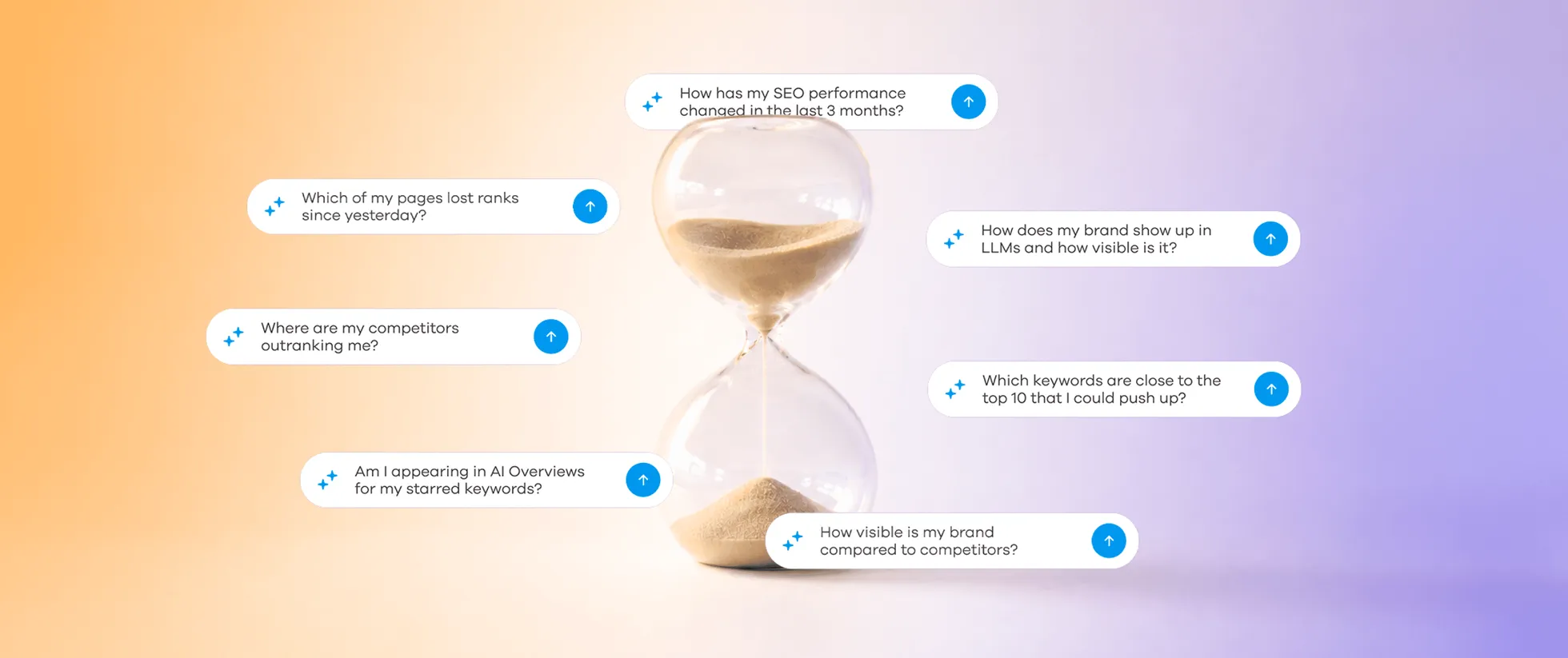
Imagine you could just ask your AI assistant this: “Look at my current rankings and tell me which keywords are sitting on page 2 and what I should do about them.” And you get an answer based on your actual data — without scrolling through an endless keyword list.
With AccuRanker MCP, this is exactly what happens. The MCP connects your AI assistant to your actual SEO data. It can analyze rankings, competitors, Share of Voice, keyword groups, and much more. The assistant simply asks the source for what it needs, so you do not have to manually move data between tools.
With this connection, your AI assistant acts like an SEO specialist who is always available and never complains about the amount of data. It has the context it needs to analyze what changed and recommend actions based on your own data. The data gathering that was eating up your time disappears. Your AI assistant handles the data retrieval, and you handle the judgment.
“Okay, But Is This Hard to Set Up?”
Not really. If you can google a keyword, you can do this. And the first time you ask your assistant a question that used to take an hour to figure out, but you now get an answer instantly, you will regret not connecting to the MCP sooner.
You connect to the MCP directly in your AI assistant, and there is no extra setup in the AccuRanker app. Here is how to set it up:
ChatGPT (recommended)
Install the AccuRanker app from the Apps section in ChatGPT: AccuRanker Search Intelligence
ChatGPT can use the MCP automatically when it detects that AccuRanker data is relevant to your question. You can also ask ChatGPT to use the app in one of two ways:
- Write @AccuRanker Search Intelligence in the chat bar before your prompt.
- Click the + button next to “Ask anything”, select More, and click the app.
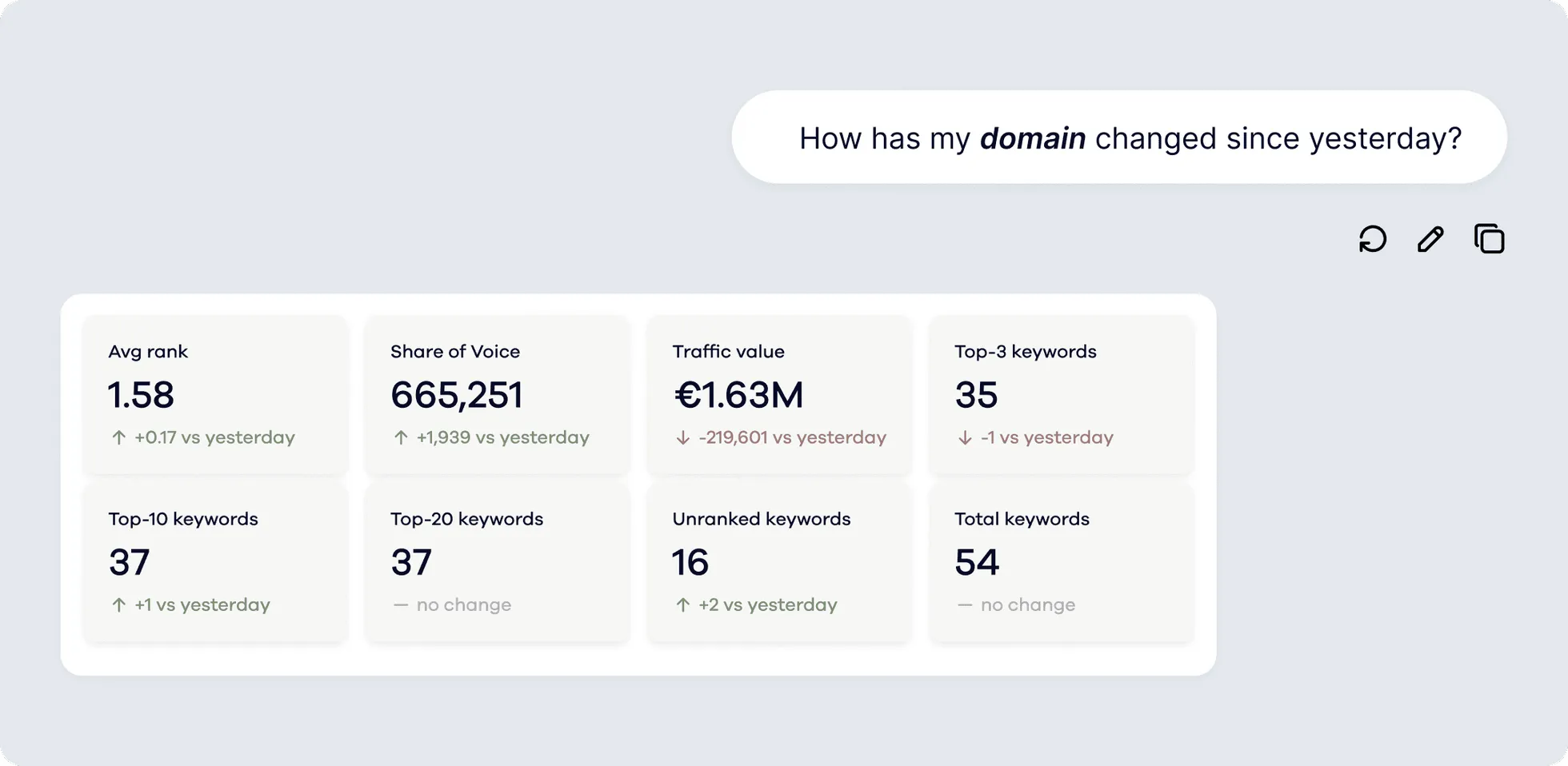
Be aware that ChatGPT will render certain results (like domain KPI dashboards) as interactive widgets rather than plain text.
Claude (claude.ai)
In Claude, open Customize → Connectors → Add custom connector and paste:
https://connect.accuranker.com/mcpAuthorize via your AccuRanker login.
If you are on a Team or Enterprise plan, the owner needs to add the connector. When this is done, you can follow the process above and find the custom connector.
Claude Code
In your terminal, run:
claude mcp add --transport http accuranker https://connect.accuranker.com/mcpThen start a session, type /mcp, select the AccuRanker entry, and choose Authenticate.
Perplexity and other MCP-capable assistants
Add the following as a custom MCP server in your AI assistant's settings:
https://connect.accuranker.com/mcpThen complete the login.
For more information about connecting to the MCP, visit our help guide.
Once you are connected, you no longer have to spend time gathering data. Your assistant retrieves what it needs directly from AccuRanker, allowing you to spend time interpreting the data rather than preparing it. Deciding what matters and what to do about it is still yours to do, but data collection is not.
Get Back Your Hours with AccuRanker MCP
Every hour you spend on gathering data is time taken away from the SEO work that improves rankings, makes your client more visible in AI search, and increases revenue. For an agency, that is billable time your clients are funding to move data between tabs. For an in-house team, it is the time your SEO strategy was supposed to run on.
So do not waste your time — connect to AccuRanker MCP now.
Related blog posts

Introducing AccuRanker MCP
AccuRanker launches its MCP, which connects your AccuRanker and AccuLLM data to AI tools like ChatGPT, Claude, and other assistants.
22 May 2026
AccuRanker Launches App in ChatGPT
AccuRanker Search Intelligence is our official app in ChatGPT. It enables you to chat with your AccuRanker or AccuLLM data inside the LLM.
27 May 2026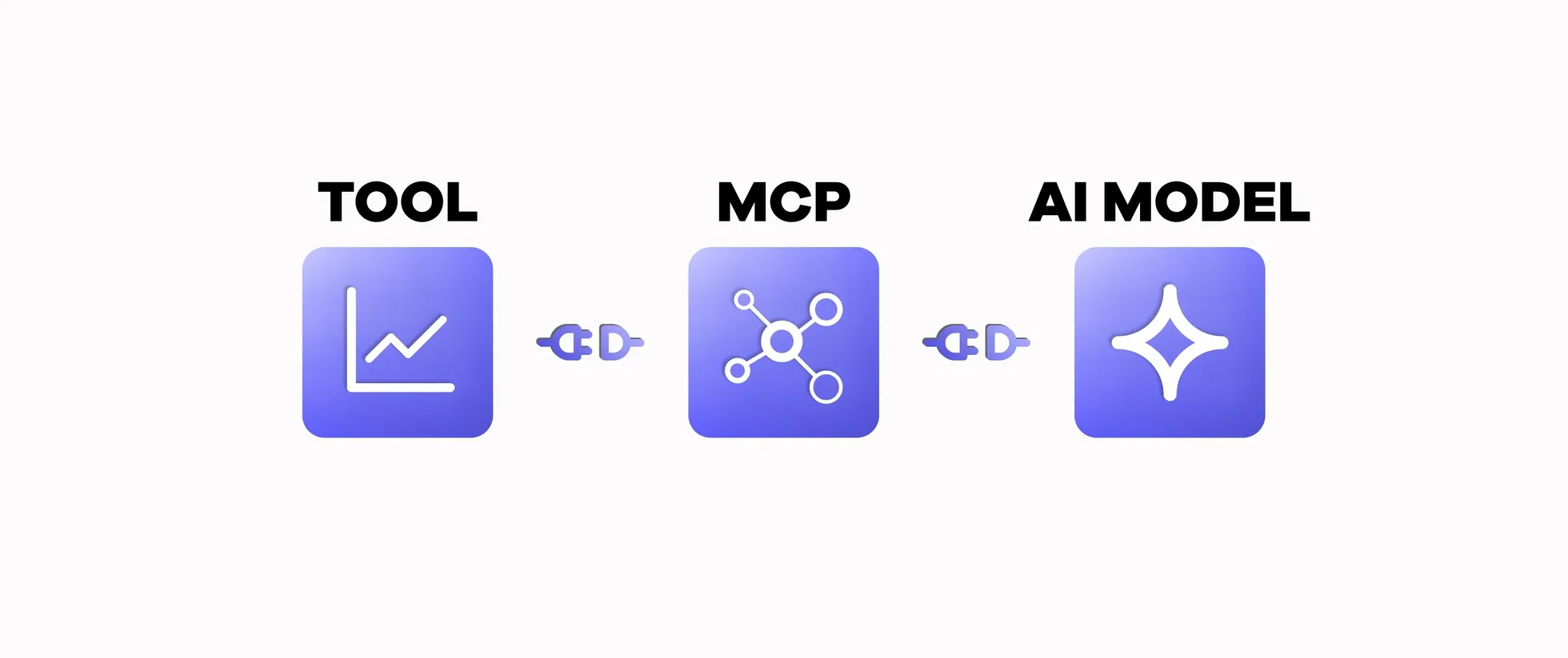
What Is MCP and Why Is It Useful in SEO?
A Model Context Protocol (MCP) connects AI models to external tools. Learn how MCP works and why it is helpful in SEO.
8 April 2026