


Introducing AccuRanker MCP

Sille Christensen
May 22, 2026
AccuRanker launches its MCP, which connects your AccuRanker and AccuLLM data to AI tools like ChatGPT, Claude, and other assistants.
We have launched an MCP that gives you direct access to your AccuRanker or AccuLLM data inside LLMs. Thus, you no longer need to switch between tabs to analyze your SEO data.
"We can now request specific data very efficiently. We use the MCP to gain insights into, for example, AI Share of Voice changes, tracked keywords outside the top 3, keyword volatility, and to monitor frequently optimized pages. Instead of clicking the web interface, we can request data in just a few seconds."
The AccuRanker MCP erases the part of SEO work that no one really talks about: gathering data, exporting it, and structuring it before you can even begin to think.
What Is AccuRanker MCP?
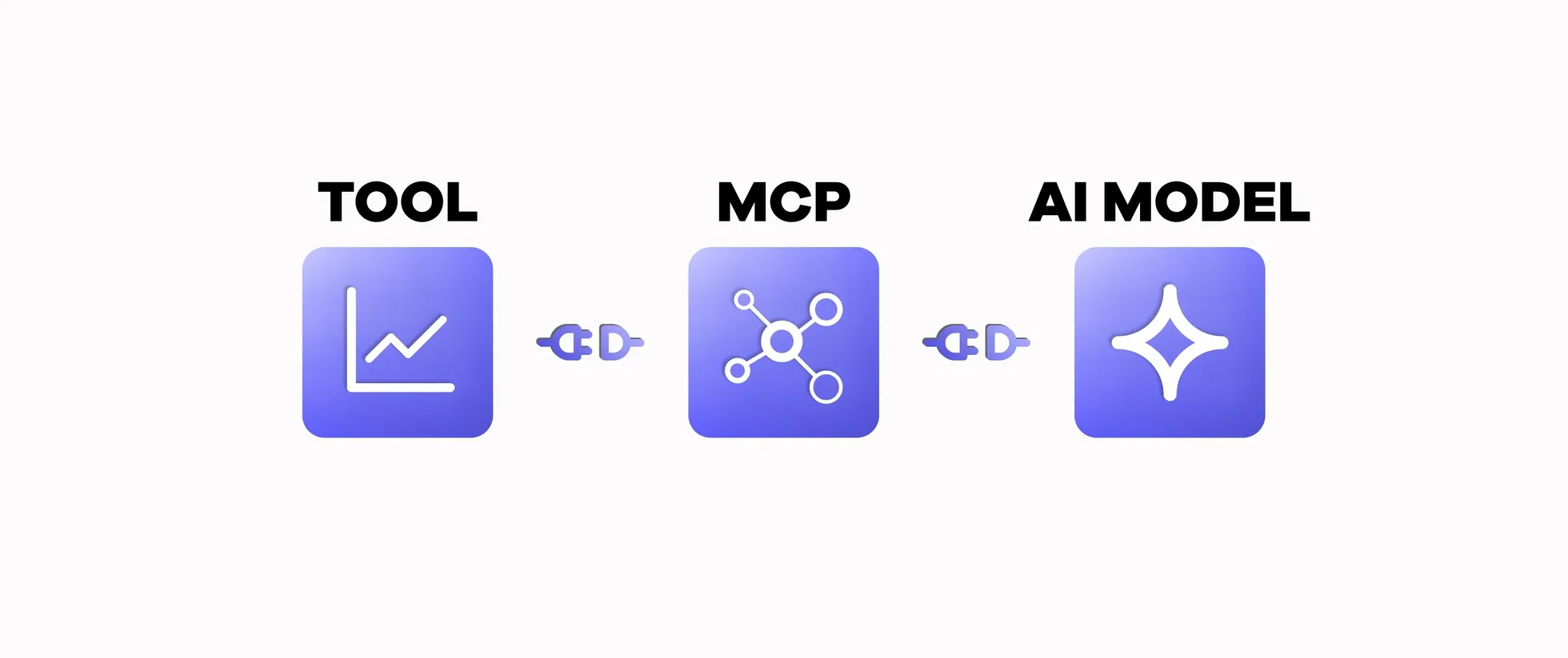
AccuRanker MCP functions as a bridge between your SEO data and AI. It enables AI tools to securely access your AccuRanker and AccuLLM data, allowing you to work with your SEO data directly in LLMs like ChatGPT and Claude.
The MCP is a different starting point in your SEO analysis. Instead of opening a tool and figuring out where to click to navigate to the right view, you ask a question. What changed this week? Which pages are driving growth? From there, you get all the answers and can dig deeper into your data without having to restructure it each time.
Who has access to the MCP?
Everyone with an active AccuRanker or AccuLLM account can access the MCP.
Connecting to the MCP
You connect to the MCP directly in your AI tool, and there is no extra setup in the AccuRanker app.
ChatGPT (recommended)
Install the AccuRanker app from the Apps section in ChatGPT: AccuRanker Search Intelligence
ChatGPT can use the MCP automatically when it detects that AccuRanker data is relevant to your question. You can also ask ChatGPT to use the app in one of two ways:
- Write @AccuRanker Search Intelligence in the chat bar before your prompt.
- Click the + button next to “Ask anything”, select More, and click the app.
Be aware that ChatGPT will render certain results (like domain KPI dashboards) as interactive widgets rather than plain text.
Claude (claude.ai)
In Claude, open Customize → Connectors → Add custom connector and paste:
https://connect.accuranker.com/mcpAuthorize via your AccuRanker login.
If you are on a Team or Enterprise plan, the owner needs to add the connector. When this is done, you can follow the process above and find the custom connector.
Claude Code
In your terminal, run:
claude mcp add --transport http accuranker https://connect.accuranker.com/mcpThen start a session, type /mcp, select the AccuRanker entry, and choose Authenticate.
Perplexity and other MCP-capable assistants
Add the following as a custom MCP server in your AI assistant settings:
https://connect.accuranker.com/mcpThen complete the login.
For more information about connecting to the MCP, visit our help guide.
How to Use the MCP
The MCP gets rid of the manual steps between you and your insights, enabling you to analyze data and make decisions faster than ever. It is like having a conversation with your data. If you do not know where to start, here are some questions you can ask, but remember to be specific about the domain and dates:
1. "For [example.com], which keywords are close to the top 10 that I could push up with optimization?”
This prompt makes a “low-hanging fruit” analysis and identifies keywords stuck on page 2 that you can optimize to gain stronger ranks.
2. "How has [example.com's] SEO performance changed in the last 3 months?"
You get a clear summary of your performance, making it easy to understand what happened and identify the biggest changes.
3. "Which of my pages on [example.com] lost ranks since yesterday, and what do they have in common?"
This surfaces pages that are losing visibility and highlights patterns, such as intent type and topic clusters, to help you identify root causes.
4. "Am I appearing in AI Overviews for my starred keywords on [example.com], and who else is?"
You get insights into whether AI Overviews cite your content along with competitors’, helping you understand your presence in the SERP feature.
5. "On [example.com], where are my competitors outranking me, and for which intent types?"
This identifies where competitors outperform you and connects it to intent type, allowing you to understand what content you are missing in your content strategy.
6. "How is [brand name] showing up in LLMs, and how visible am I compared to my competitors?"
You get insight into how your brand appears in AI responses, including sentiment, rank, citations, and competitors.
In essence, you ask, you learn, and you act. All without stopping to prepare or restructure your data.
Tips for using the AccuRanker MCP
- Keep your questions focused: Avoid asking for too much at once. Break your analysis into smaller steps to get clearer answers and validate each part along the way.
- Be specific in your prompts: Define exactly what you want to see. Include domain, keywords, timeframes, and metrics to get precise answers.
- Work in iterations: Treat the process as a conversation. Start with a broad question, then refine and dig deeper based on what you learn.
- Guide the AI tool: Make it clear that the AI assistant should rely on your AccuRanker or AccuLLM data to ensure your insights are grounded in real performance and not hallucinations.
Visit the AccuRanker MCP tool reference to understand the actions AI assistants can perform when connected to the MCP. It helps you phrase prompts and understand what to expect back.
A More Flexible Way to Work with SEO Data
If your SEO data is locked in platforms, you waste time getting it out. AccuRanker MCP changes that. It gives you the flexibility to work with your data wherever it makes sense for you, since it is no longer tied to a single interface. The faster you can move from data to decision, the faster you can act on opportunities and respond to changes.
Related blog posts
What Is MCP and Why Is It Useful in SEO?
A Model Context Protocol (MCP) connects AI models to external tools. Learn how MCP works and why it is helpful in SEO.
8 April 2026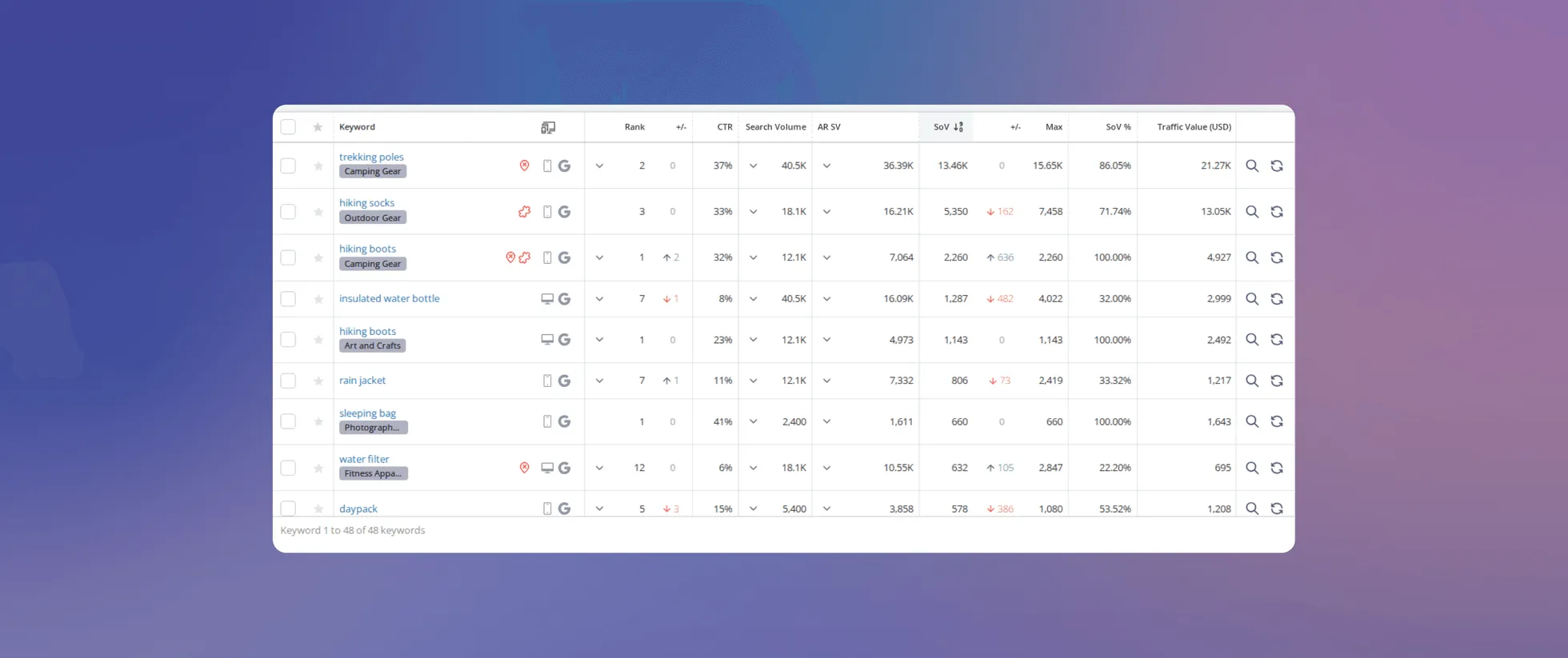
New Share of Voice: What Changes on October 21, 2026
Our Share of Voice is changing. See what is new, why we updated Dynamic CTR, and what to expect from your data when the changes go live.
7 October 2026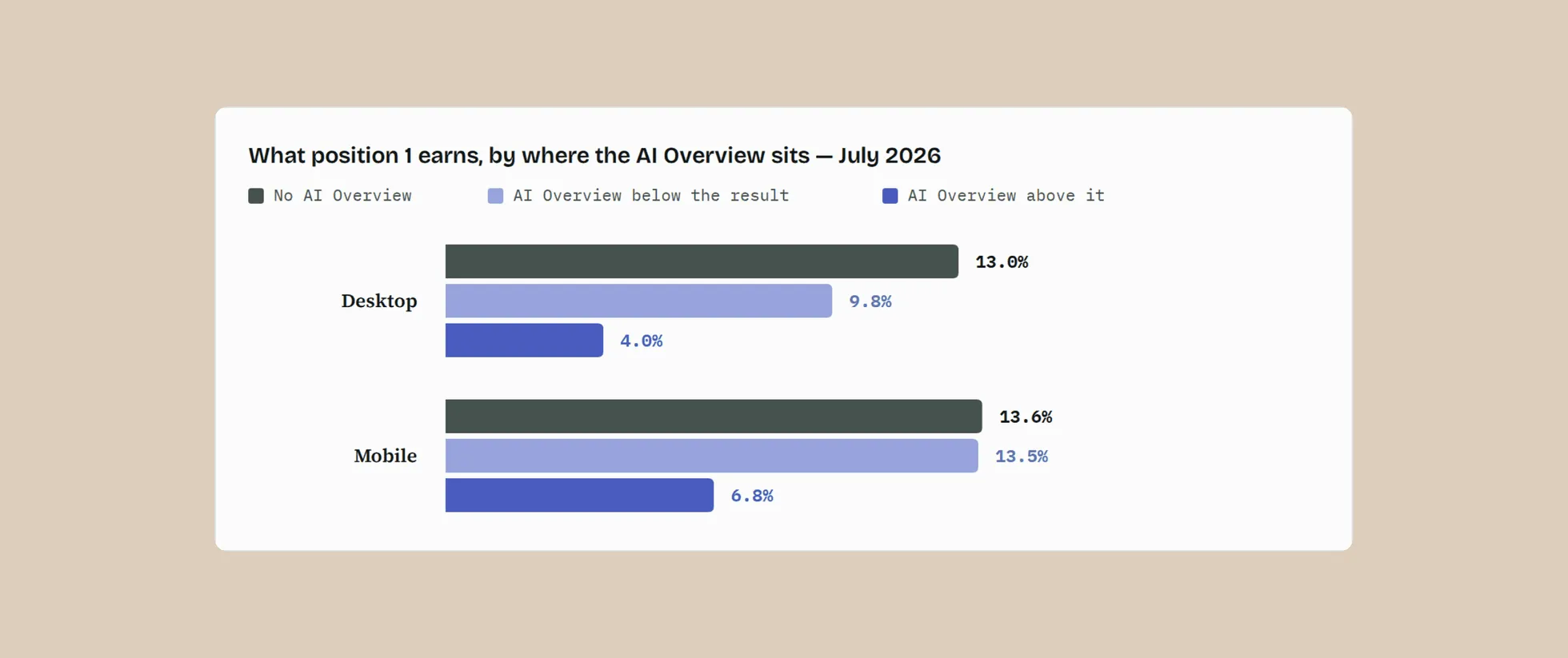
A New Dynamic CTR Model Built for Today’s SERPs
Learn why we rebuilt our Dynamic CTR model and how it delivers more accurate CTR estimates based on real click behavior and today’s SERPs.
7 October 2026