


Why You Need Pixel Tracking to Determine Your Visibility

Sille Christensen
July 2, 2026
The SERP decides who gets seen, not your ranking alone. Pixel tracking is what you need to know whether users are likely to see your result.
You rank #1. Congratulations. Now scroll down until you can actually see your result. This is your reality. You work your way to the top of the SERP, only to discover that your result is buried beneath whatever Google decided to squeeze onto the page that day.
Today, the SERP decides who gets seen, not the ranking alone. That is why pixel tracking matters more than ever. In this blog post, we cover what pixel tracking is, what affects your pixel position, and how you can monitor it.
Pixel Tracking Shows What Users Actually See
Pixel tracking measures the exact vertical position of your result on the SERP, based on pixels from the top of the SERP. It tells you where your listing starts on the page. The lower the pixel value, the higher the visibility; the higher the pixel value, the lower the visibility.
Unlike rankings, your pixel position is the visual reality: it reflects where your result actually appears on the screen and how far users need to scroll to see it.
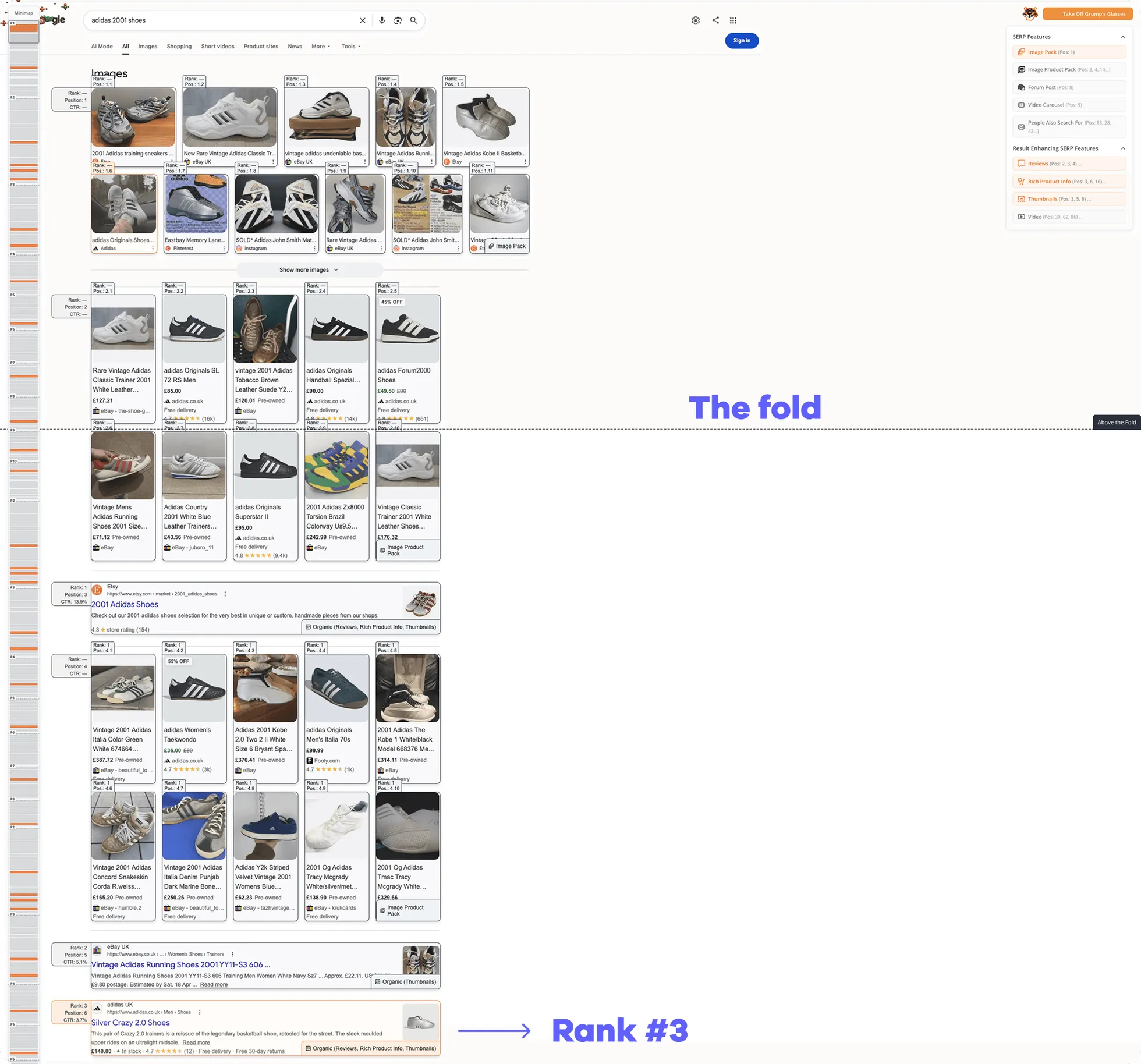
Your pixel position is important in relation to the fold line. The fold line separates the section of the SERP that users can see after searching a query without needing to scroll (above the fold) from all the content that sits below the line (below the fold). The fold line for desktop is generally set at 1080 pixels and 800 for mobile.
What Pixel Tracking Tells You about Search Visibility
Think about the SERP as waiting in line at the grocery store. Every feature that appears above your result cuts you in line. A few ads might push you down slightly down the line, while an AI Overview arrives with a full cart and decides it belongs at the front. Suddenly, your result has moved hundreds of pixels further down the page without your rank changing at all.
And what does that mean? It means that every SERP feature above you pushes you further away from the click. Because the more elements there are between the search bar and your result, the higher your pixel value becomes, and the lower your visibility gets.
This is why rankings and traffic can tell two different stories. Your rank might stay exactly the same while your visibility changes. Pixel tracking helps explain why high rankings do not necessarily translate into clicks by showing how the SERP layout affects what users actually see.
Pixel tracking is what you need to understand your real visibility, explain traffic changes that rankings alone cannot, and prioritize keywords where visibility is achievable.
Factors Affecting Click-Through Rate in Organic Search
Pixel position is crucial, not the foldGet your copy of the whitepaper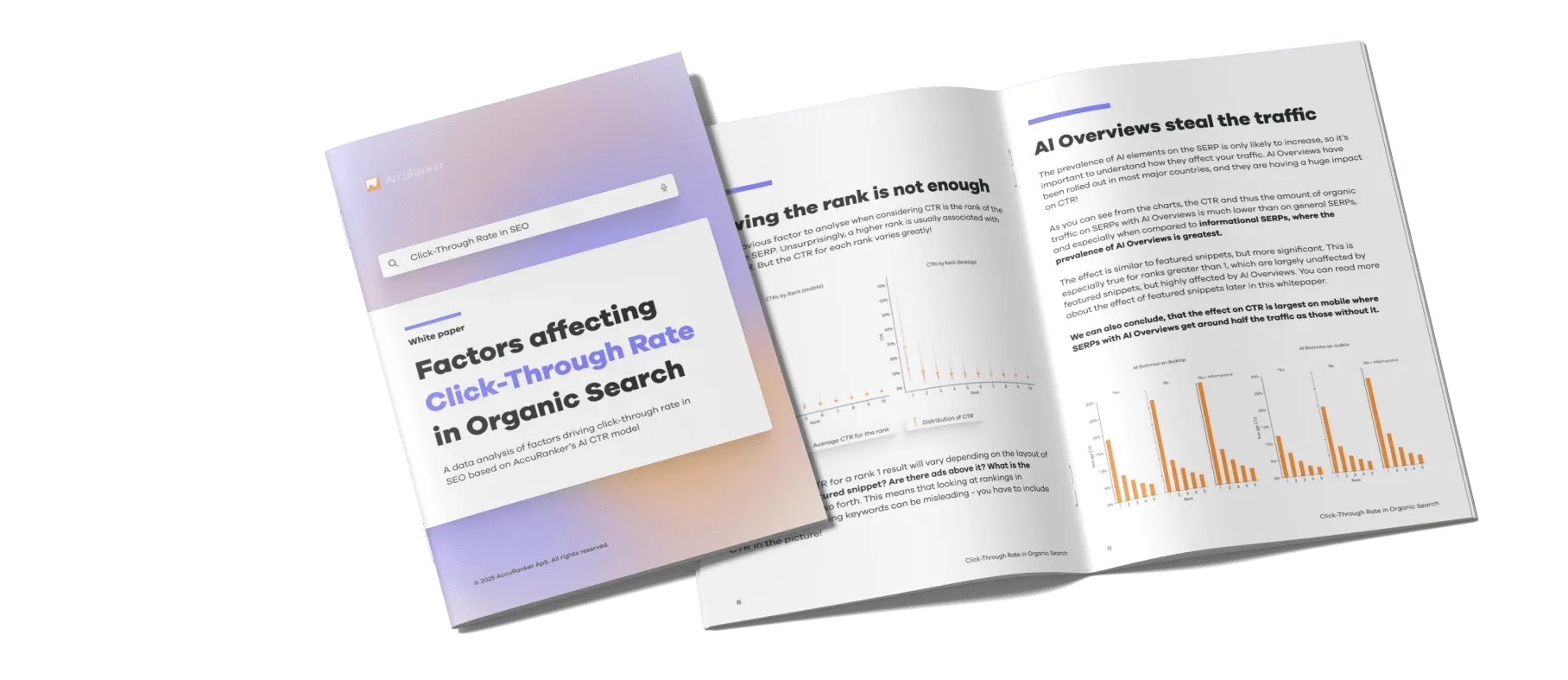
What Affects Your Pixel Position
A #1 ranking on one SERP is not the same as a #1 ranking on another. The visibility of that ranking depends entirely on what other features Google decides to show for that query. Some of the features that influence your pixel position include ads, AI Overviews, featured snippets, videos, local packs, and much more.
Ads are currently one of the biggest visibility blockers, especially on commercial SERPs. They often occupy the most valuable real estate at the top of the page before any organic listing appears. And just when you think you have made it past them, another ad appears halfway down the page in between the listings.
Then come the AIOs, featured snippets, shopping results, and the like, which all take up space that would otherwise belong to organic listings. The more features placed above you, the further users need to scroll to find you. Some of them even answer the search query directly, which means they are not just taking your screen space — they are also hijacking your clicks.
Lastly, device type also matters. A result that appears above the fold on desktop may require substantial scrolling on mobile. Since mobile screens display less information at once, visibility can change drastically depending on device type. That is why monitoring both desktop and mobile pixel positions gives you a much more accurate picture of how visible you are.
Monitor Pixel Position in AccuRanker
To understand why a keyword performs the way it does, you need to know where your result actually appears on the SERP and whether users are likely to see it before being distracted by everything else Google has placed in front of it. Monitoring pixel position gives you that context.
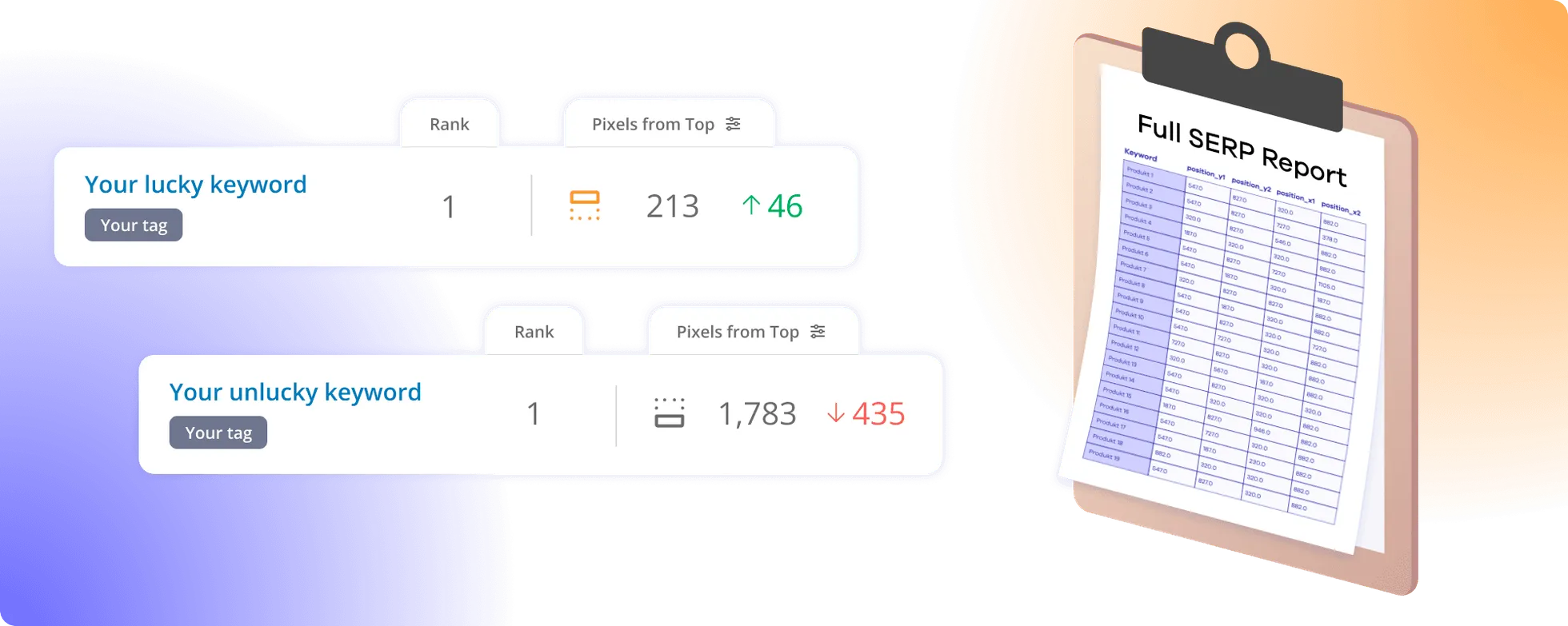
It makes it easy to spot keywords where strong rankings are being undermined by SERP features that occupy valuable screen space. In AccuRanker, you have several options to track and understand where you are placed on the SERP besides your actual rank:
- Pixels from the top: The metric indicates how far from the top of the SERP you are placed, and whether you are above or below the fold.
- Full SERP report: The report shows you exactly how much space each search result takes up, including both x and y coordinates.
- SERP view: The tool helps you contextualize your pixel position by showing what the SERP actually looks like and what surrounds your result.
So the next time someone asks why traffic dropped even though rankings remained stable, you no longer have to blame seasonality, user behavior, or whatever explanation comes to mind first. You can simply look at your pixel position — the answer might be there.
Ranking #1 Is Great, but Being Seen Is Better
Rankings tell you where you numerically are on the SERP. Pixel tracking tells you whether anyone is likely to see it. With ads, AI Overviews, and other features consuming more screen space, that distinction matters. Because ranking #1 is not always the goal. Being seen is.
Related blog posts
How SERP Layout Is Killing Your Organic Traffic
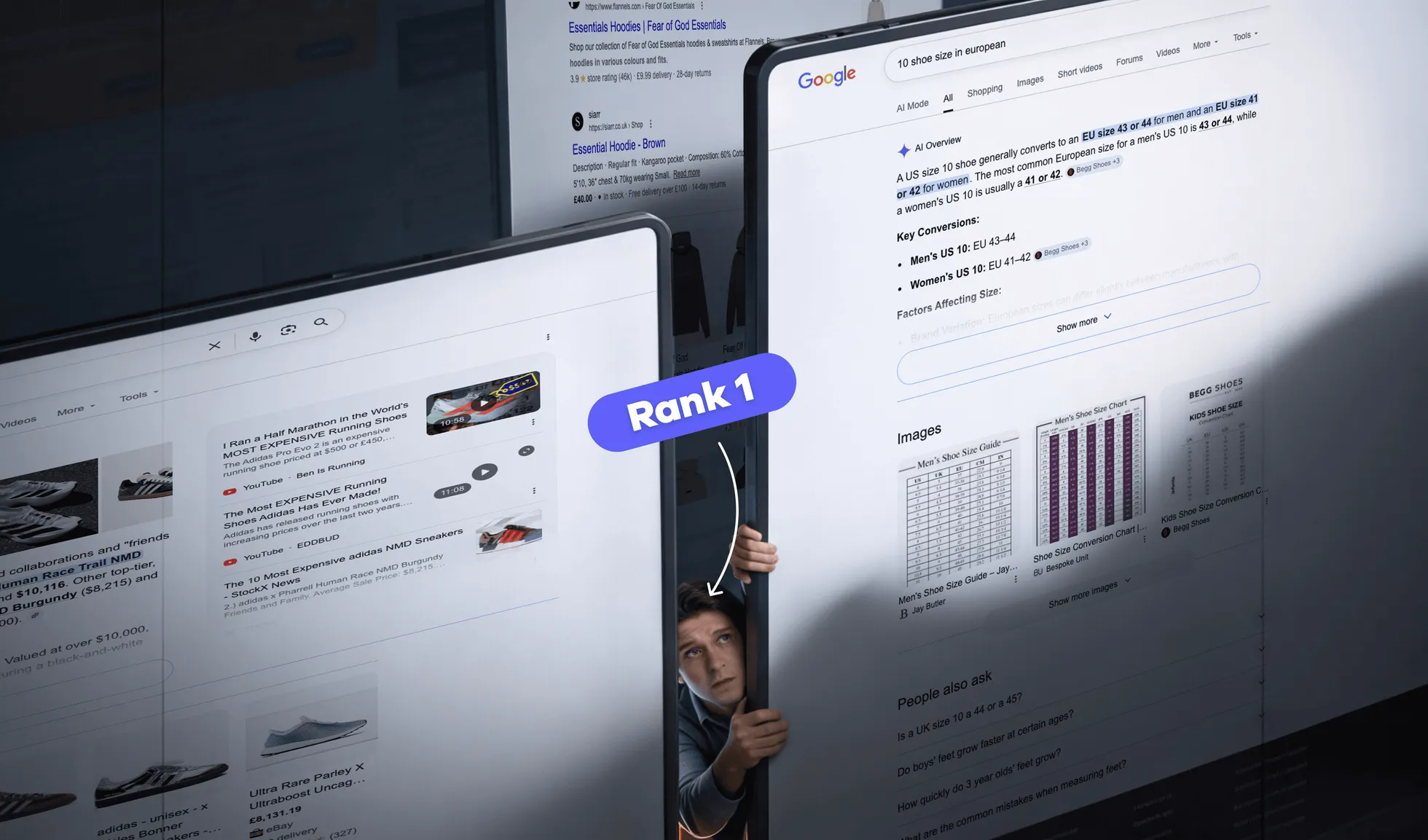
Why is your rank 1 not driving traffic? Learn how to measure real SERP visibility with pixel position, SERP feature tracking, and dynamic CTR.
13 August 2026
Why Your CTR Model Is Betraying You
A static CTR model relies on fixed averages. AccuRanker's dynamic CTR model accounts for 120+ factors to calculate a keyword's expected CTR.
2 June 2026
Introducing AccuRanker’s Full SERP Report
The full SERP report shows you the entire SERP for up to 1,000 keywords across all positions, making it easy for you to start your SERP analysis.
5 May 2025