

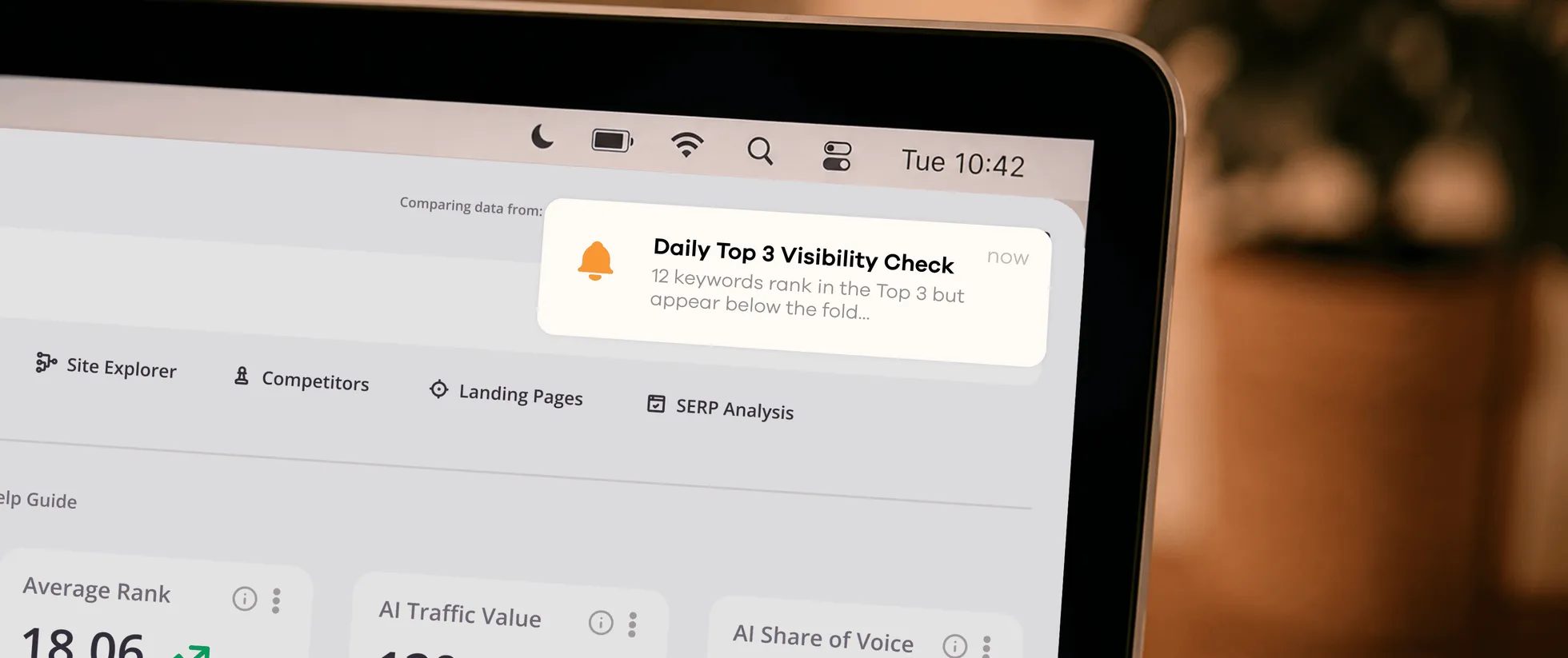
5 Alerts You Should Set Up with AccuRanker MCP

Sille Christensen
September 3, 2026
Set up SEO alerts with AccuRanker MCP and let your AI assistant monitor ranks and AI visibility, so you can skip the manual checks.
Every day, rankings change. Competitors publish new content. AI Overviews appear and disappear. Featured snippets change ownership. But SEO teams do not have time to manually monitor thousands of keywords, dozens of competitors, and a handful of locations to quickly get a glance of what has happened since yesterday.
Instead of monitoring dashboards all day, you can let AI assistants surface the opportunities and threats that deserve your attention via an MCP. Let us show you how and give you 5 alerts you can use.
How to Set Up Alerts with AccuRanker MCP
How you set up alerts depends on whether you want to monitor keywords or prompts. In either case, you need an AI assistant that supports MCP and recurring tasks or scheduled workflows.
Your first step is to connect your AI assistant to AccuRanker MCP. Follow the instructions in our help guide.
For keyword alerts, the easiest way is to create dynamic tags. You can save filters as dynamic tags that automatically update as your rankings change. Here is what you need to do:
- Choose your filter (e.g., keywords with AI Overview).
- Save it as a dynamic tag.
- Ask your AI assistant to monitor that tag through AccuRanker MCP and send the update to your preferred destination (you might need the destination’s MCP).
For prompt alerts, the setup is slightly different. You do not need dynamic tags or filters. Instead, you can tell your AI assistant what you want it to monitor and how often you want an update.
Most AI assistants guide you through setting up scheduled tasks. You decide where and how often you want to receive the details. If you need inspiration to get started, a prompt for a keyword alert could look something like this:
Every morning at 8:00 AM, check my “Keywords with AIO” dynamic tag in AccuRanker. Send a Slack message to #seo-alerts with the details.

Cadence: Daily
Why use dynamic tags for keyword alerts?
You do not necessarily need dynamic tags to create keyword alerts. You can tell your AI assistant what you want it to monitor. However, dynamic tags make the setup more efficient by defining the keyword group your AI assistant should keep an eye on, rather than having it work through your broader dataset each time.
Another advantage is that the tags live in your Tag Cloud. That means you can always see how those keywords are performing whenever you want a closer look or when an alert catches your attention.
5 Alerts that Make Your Job Easier
You can build alerts around whatever matters to your SEO strategy. To get you started, here are five that save you time and let you focus on the SEO work that actually matters.
1. Spot great rankings that hide poor visibility
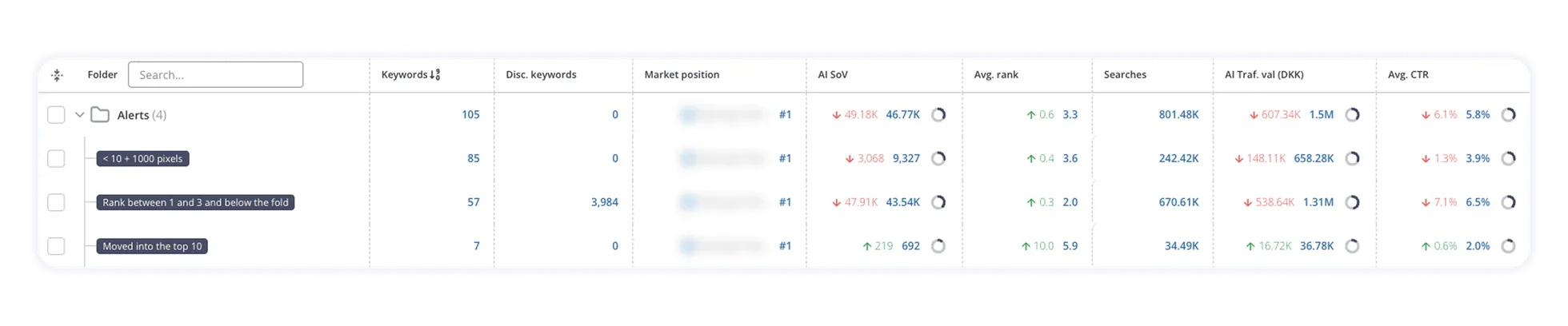
Filter: Rank between 1 and 3 AND Below the Fold
Your rankings may look great, but your visibility tells a different story. This alert identifies keywords where you rank in the top 3 but appear below the fold. It helps you detect high-ranking keywords that may not attract the clicks you expect and suggests that the SERPs for these keywords are worth investigating.
Inspect the SERP to identify which SERP features are pushing your result down, and optimize for those that occupy the top of the page if possible. Also, if more keywords are added to this alert over time, it may suggest that the SERP layout is changing for specific topics or intents. Therefore, you should adjust your traffic expectations for those keywords or change your strategy.
2. Catch your biggest SEO opportunities early
Filter: Rank is less than 11 AND Compare Rank is greater than 10 (Compare period: Compared to yesterday)
Keywords that enter the top 10 might have momentum worth building on. This alert notifies you when a keyword has entered page one. It helps you understand which SEO initiatives are working, identify pages worth another round of optimization, and prioritize keywords within reach of the top 3, where the biggest traffic gains happen.
Moving into the top 10 means your page is now more visible and closer to generating traffic. Therefore, you should aim to increase your rank or maximize your CTR by optimizing your title tag, meta description, or page content.
3. Know when Google chooses the wrong page
Filter: Preferred URL match – Incorrect URL
You optimize one page for an important keyword, but Google decides another page should rank instead. This alert tells you when there is a mismatch between your intended landing page and the one the search engine considers most relevant.
The problem might be keyword cannibalization, overlapping content, or conflicting internal signals. You can investigate whether multiple pages compete for the same keyword, improve your preferred URL to better match search intent, or update title tags, headings, or copy to fix it.
4. Know when AI starts forgetting you
Criteria: Mentions moved down
AI mentions are valuable, but staying visible over time is even more important. This alert notifies you when your brand is becoming less prominent in AI answers. If another brand consistently replaces yours, it may indicate that your competitor is strengthening its topical authority. If mentions in the same topic drop, your authority in that area may be weakening.
You can review the affected prompts to analyze which competitors are being mentioned instead. Compare the prompt response to understand why and what is preferred to find content gaps to fill or existing content to strengthen. Afterward, track whether the decline continues, stabilizes, or if mentions increase again.
5. Detect negative brand perception early
Criteria: Sentiment is less than 50
Your brand is being mentioned, but not in the way you would like. This alert flags prompts in which LLMs describe your products or services in a less favorable light. This way, you immediately know where your brand perception needs a closer look.
Low sentiment is not necessarily a general brand perception issue. It may be limited to specific products, features, or use cases. Therefore, review the prompts to identify patterns in how the LLMs describe you. Analyze whether product pages or third-party content accurately communicate your value proposition. If they do not, update content or do PR initiatives that address this. Afterward, you should monitor whether sentiment improves.
Treat Alerts as Signals, Not Conclusions
Rankings, SERPs, and AI answers are constantly changing, so not every alert requires immediate action. A keyword might drop today and recover tomorrow, just as your brand might move out of an AI answer and reappear the next check. Look for patterns and context to understand when a change is more than the usual fluctuation and deserves your attention.
Some alerts, however, are too significant to ignore. For example, a sudden loss of visibility for an important keyword is worth investigating straight away, particularly if it follows recent changes to your site. Alerts help you catch those situations early, so you can find the cause and respond before a small problem has time to become a much bigger one.
Let the AI Assistant Do the Boring Part
With extensive amounts of search data to dig through, the challenge is knowing what deserves your attention today. Because you know what to look for, you just do not have the time to look for it consistently. That is what alerts are for.
With alerts, you can stop manually checking dashboards and lists every day, hoping to spot something important. Instead, let your AI assistant keep watch and bring interesting changes to you. That means less time searching for opportunities and problems, and more time acting on them.
Related blog posts

Introducing AccuRanker MCP
AccuRanker launches its MCP, which connects your AccuRanker and AccuLLM data to AI tools like ChatGPT, Claude, and other assistants.
22 May 2026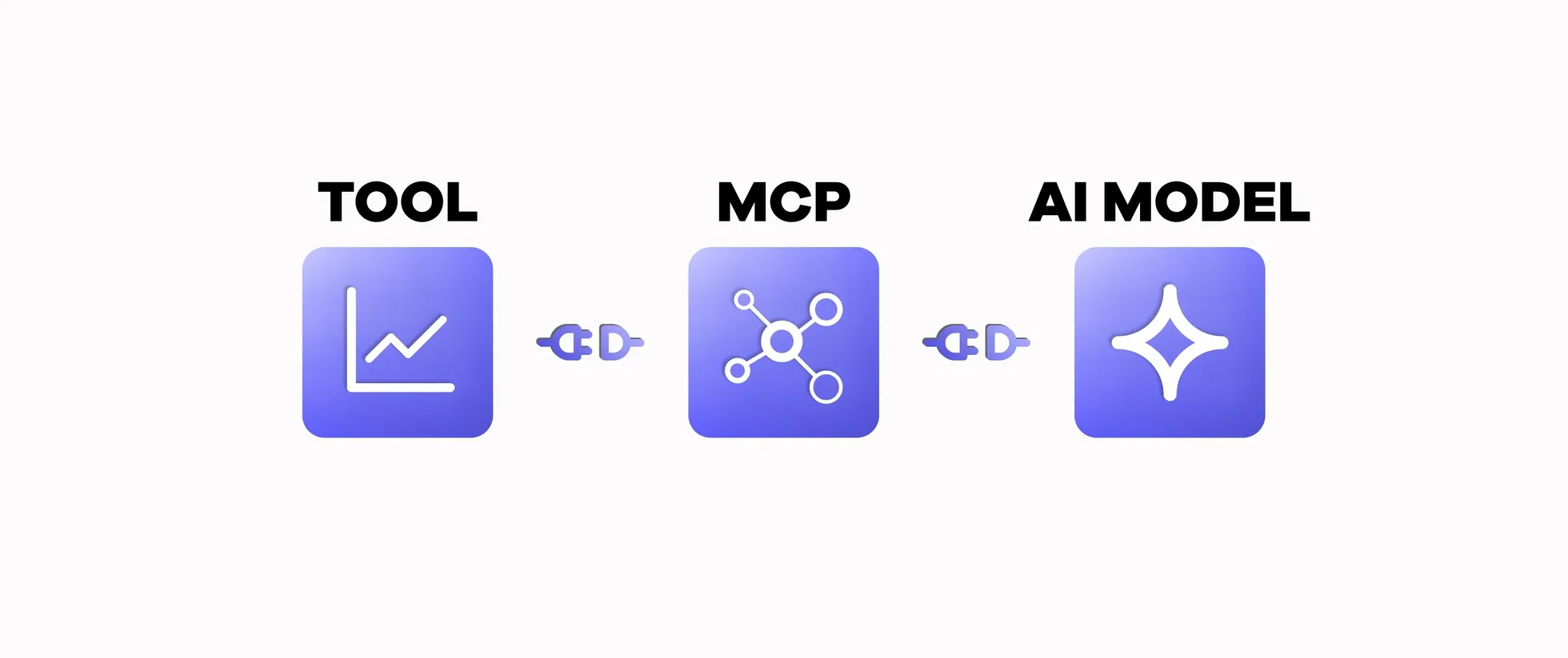
What Is MCP and Why Is It Useful in SEO?
A Model Context Protocol (MCP) connects AI models to external tools. Learn how MCP works and why it is helpful in SEO.
8 April 2026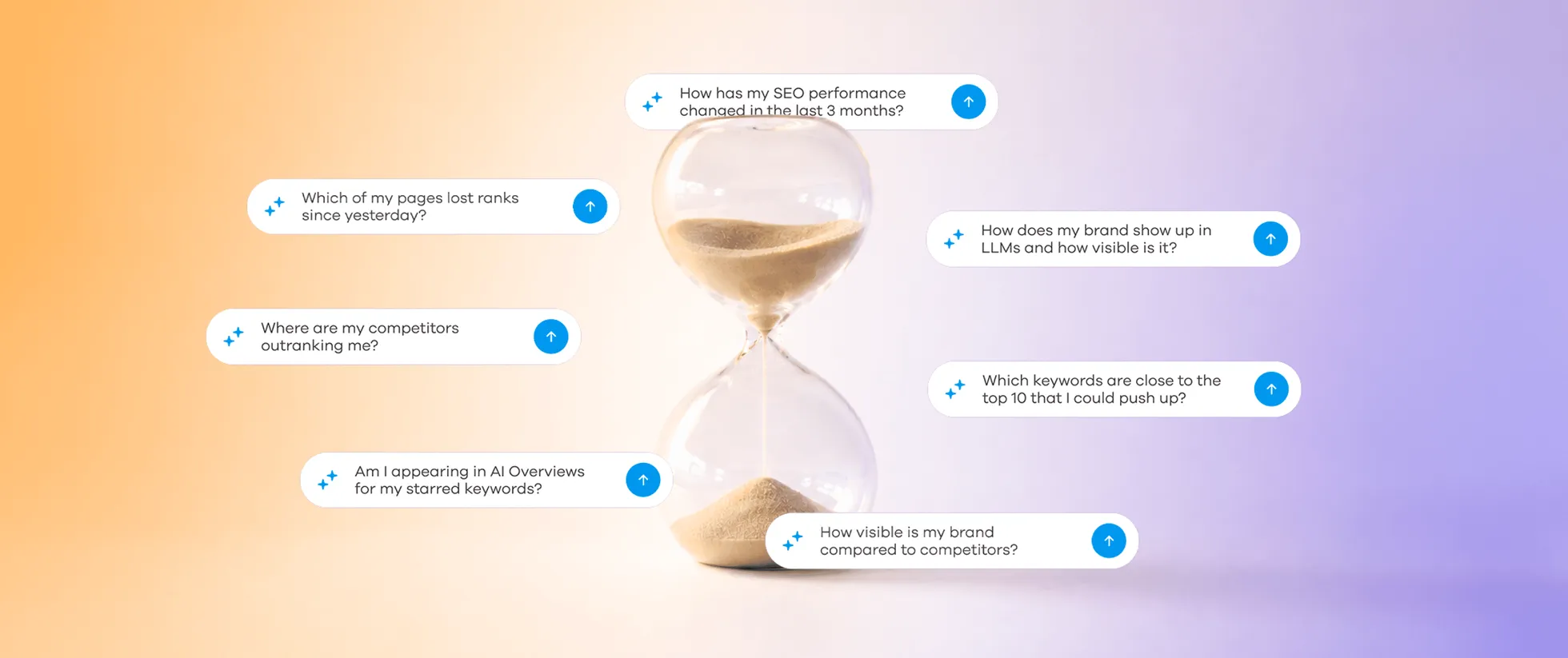
Spending Hours Gathering SEO Data? Here Is How to Fix It
AccuRanker MCP is your shortcut to faster SEO analysis. It eliminates the time you spend gathering data, so you can focus on actual SEO work.
20 August 2026